Video Content Creation for Social Media: Formats, Captions and AI Tools in Practice
Video gets more reach on social media than almost anything else, and yet plenty of companies keep putting it off. They lack the time, the budget or the nerve to get in front of a camera. At the seventeenth Marketing Chatter, we talked about thinking of video by platform, telling whether it pays off, and which AI tools actually save editing time today.
TL;DR
- Video content creation for social media starts with format and captions: vertical for almost every social network, horizontal for your website and YouTube, and captions on every video, because a big share of people watch with the sound off.
- Measure video ROI against its goal: reach and engagement for brand awareness, clicks and purchases for conversion videos. Count your own time as a cost too.
- AI helps most with editing footage you actually shot: it cleans up audio, cuts silences and filler words, adds captions and turns a long video into short clips.
How should you think about video for different platforms?
Video content creation for social media is close to a must these days. Participants at the Marketing Chatter agreed that an ordinary reel gets far more reach than a text post with an image, however polished the graphic is. But the platform, and where your audience watches it, decides the format.
- Vertical (9:16): Instagram, TikTok, Facebook, LinkedIn and YouTube Shorts. People are on their phones there, so 1 vertical video covers almost every network.
- Horizontal (16:9): YouTube and your website, meaning longer formats such as tutorials, talks or podcasts.
- Safe zones: every network draws its own buttons and labels over the video. Keep captions and your logo in the middle so nothing covers them.
Not sure where your audience comes from? Check your analytics to see whether people arrive on mobile or desktop. That tells you which format to pick. And expect the same video to travel differently on each network. One participant’s Christmas video, shot on a phone, spread really well on Facebook but got noticeably less reach on LinkedIn.
Why are captions a must in video?
Lots of people scroll with the sound off: on the bus, at work, or while putting a baby to sleep. Without captions, your video doesn’t exist for them, and they scroll past before they find out what it’s about.
- Check auto-generated captions: they often get words wrong, especially outside English, and they can run too fast to read. On a short video, fixing them by hand is quicker than leaving them wrong.
- Hook in the first seconds: open with the point, a question or a conflict. The greeting and the logo can wait until the viewer has decided to stay.
How do you measure video ROI?
Return on investment (ROI) for video compares what the video cost with what it brought in. Your own time is a cost too, not just the money spent on production. An hour spent editing is an hour missing somewhere else.
| Video goal | What to track |
|---|---|
| Brand awareness | views, reach, shares, comments |
| Engagement | saves, reactions, how many people watch to the end |
| Conversion | clicks from the video, sign-ups, purchases (via UTM links) |
Video used to be expensive. Shooting with a sound engineer and a proper edit could cost thousands of euros, so you had to know exactly what it was supposed to deliver. With AI tools, an hour can now give you a month’s worth of videos. That’s exactly how I prepared the videos for our podcast, and it changes the ROI math completely.
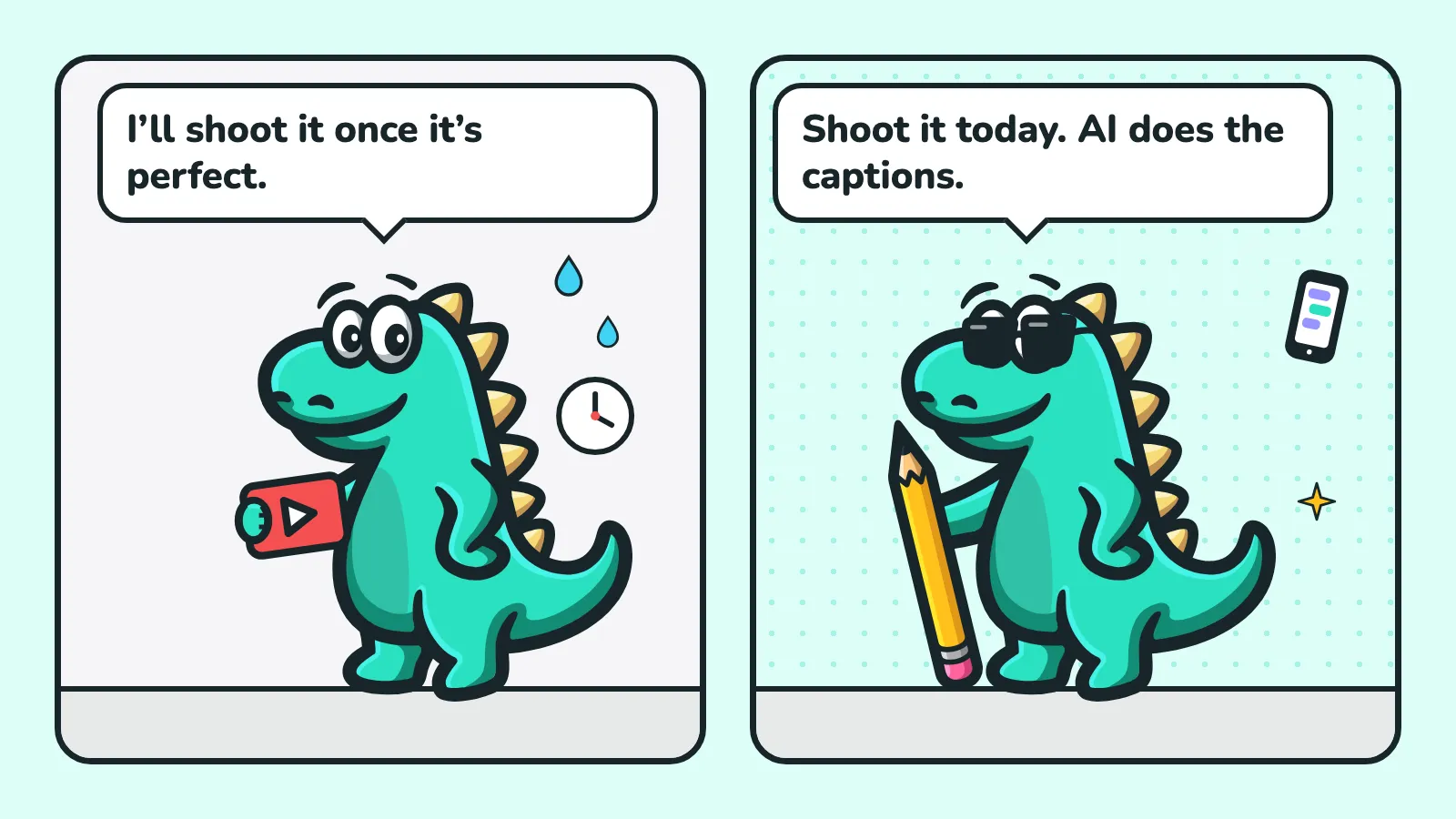
That leads to the second takeaway from the Chatter: done and imperfect beats perfect in 2 years. On social media, consistency wins, and every video makes you better.
Which AI tools help with video content creation?
AI video tools fall into 3 groups. People often lump them together, but each one solves something different.
| Group | Examples | What it’s good for |
|---|---|---|
| Generate the whole video | Synthesia, InVideo, Pictory | A video from text or a script without filming, for explainers and training. |
| Specialized tools | HeyGen (avatar), ElevenLabs (voice clone), Jasper (scripts and hooks) | A talking avatar, dubbing into other languages, video copy. |
| Help with editing | VEED, Opus Clip, Descript, Canva, InShot | Working with footage you actually shot: cuts, captions, audio, short clips. |
What came up at the Chatter:
- VEED: cuts short clips out of a long video and still lets you edit them afterwards. It has a teleprompter, screen and camera recording, audio cleanup, silence and filler-word removal, and one-click captions. I’ve used it for 2 years. The Pro plan cost around €26 a month at the time of the Chatter.
- Opus Clip: picks the best moments from a long video automatically. One participant, though, didn’t get a single usable clip out of a 12-minute video in Czech, because the cuts made no sense.
- HeyGen and ElevenLabs: together they create an avatar that speaks in your voice, even in a language you don’t speak. In a short video, the average viewer won’t notice.
- Adobe Premiere: powerful with its AI features, but for social media video it’s overkill.
AI works best on real footage. A video generated purely from stock footage looks artificial, especially when the hero is a physical product. Film the product in someone’s hands and let AI handle the cuts, audio and captions.
How do you get started with video?
- Shoot 1 longer video and cut it up: a 10-minute video gives you several short social clips, a quote for LinkedIn and a teaser. Read more about repurposing in our article on content formats.
- Invest in sound, not the camera: viewers forgive a weaker picture, but not audio they can’t understand. A microphone and basic lighting make the biggest difference.
- Shoot in batches: film on one day, then just edit and publish on the following days. A month of videos ready in advance saves you the morning-of panic.
Plan your videos ahead, together with the rest of your content. In Contesaur, the content calendar shows what goes out when and where, and you can turn finished content into other formats in a few clicks.
Most common video mistakes
- No captions: part of your audience never sees the video at all.
- A long intro: a greeting, a logo and an introduction, while the viewer is already 3 videos further down.
- Perfectionism: waiting for the perfect video that never gets made.
- The same video everywhere, unchecked: captions hidden under buttons or a logo cut off by cropping.
- AI instead of content: a tool will edit your video, but it won’t come up with the idea and the point for you.
Wrap-up
Video is no longer a privilege of companies with big budgets. A phone, captions, a clear point in the first seconds and a tool that saves you hours of editing are enough. Start today, even if the first video isn’t perfect. Dinosaurs didn’t wait for a better camera either, and the whole world still knows them.
Marketing Chatter is a free online meetup held in Czech. See the upcoming dates.
FAQ
Do I have to be on camera to make videos?
No. A product in someone’s hands, a screen recording or a voiceover over footage all work. A face does add trust, though, so it’s worth starting with short phone videos and getting used to it step by step.
Do AI avatars and voice clones work in languages other than English?
In short videos, yes, especially in the paid versions of the tools. Free voices are overused and an attentive viewer will spot them. For longer videos, and wherever you rely on trust, filming a real person is still the safer bet.
How long should a social media video be?
As short as the content allows. People leave within the first seconds on social media, so put the point up front and cut the rest. Save longer videos for YouTube and your website, where people come on purpose.
Is a phone good enough for video?
For social media, yes. Recent phones shoot good quality, and an authentic phone video often beats an expensive spot. Spend on a microphone and lighting rather than a camera.